



How to Install the Martlify Android App
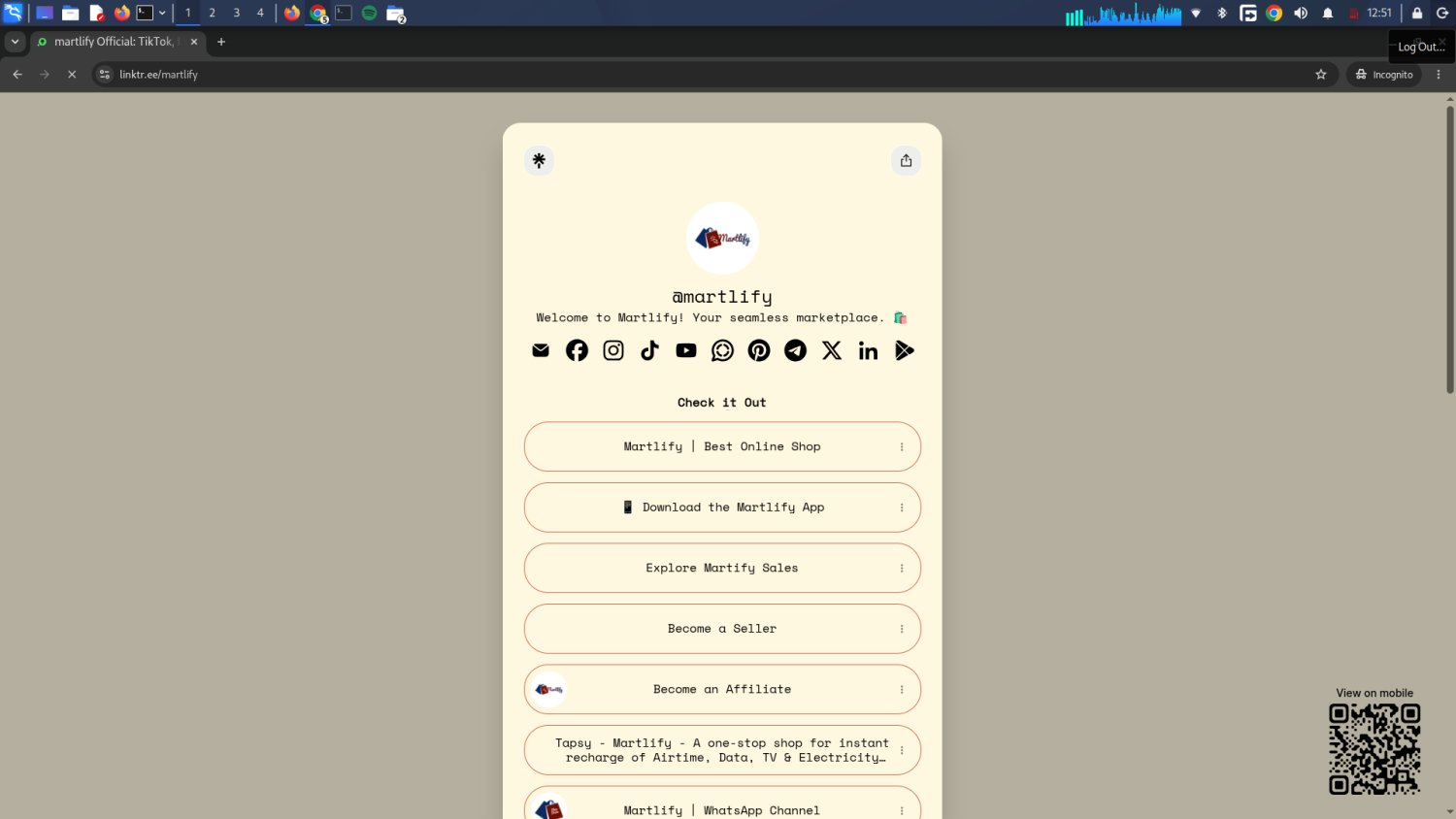
How to Install the Martlify Android App
Installing the Martlify App is quick and easy.
Follow these simple steps to get started.
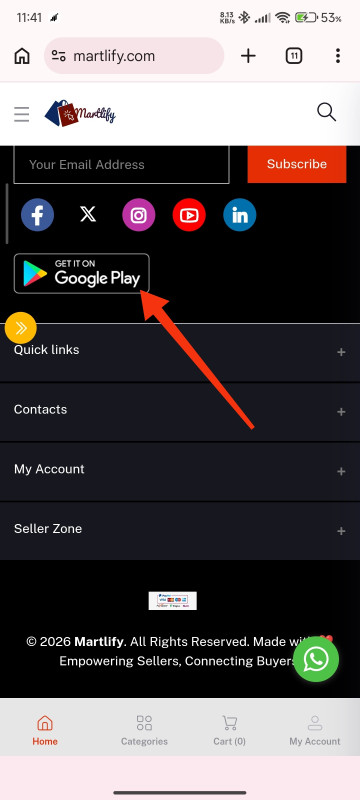
Step 1: Download the App
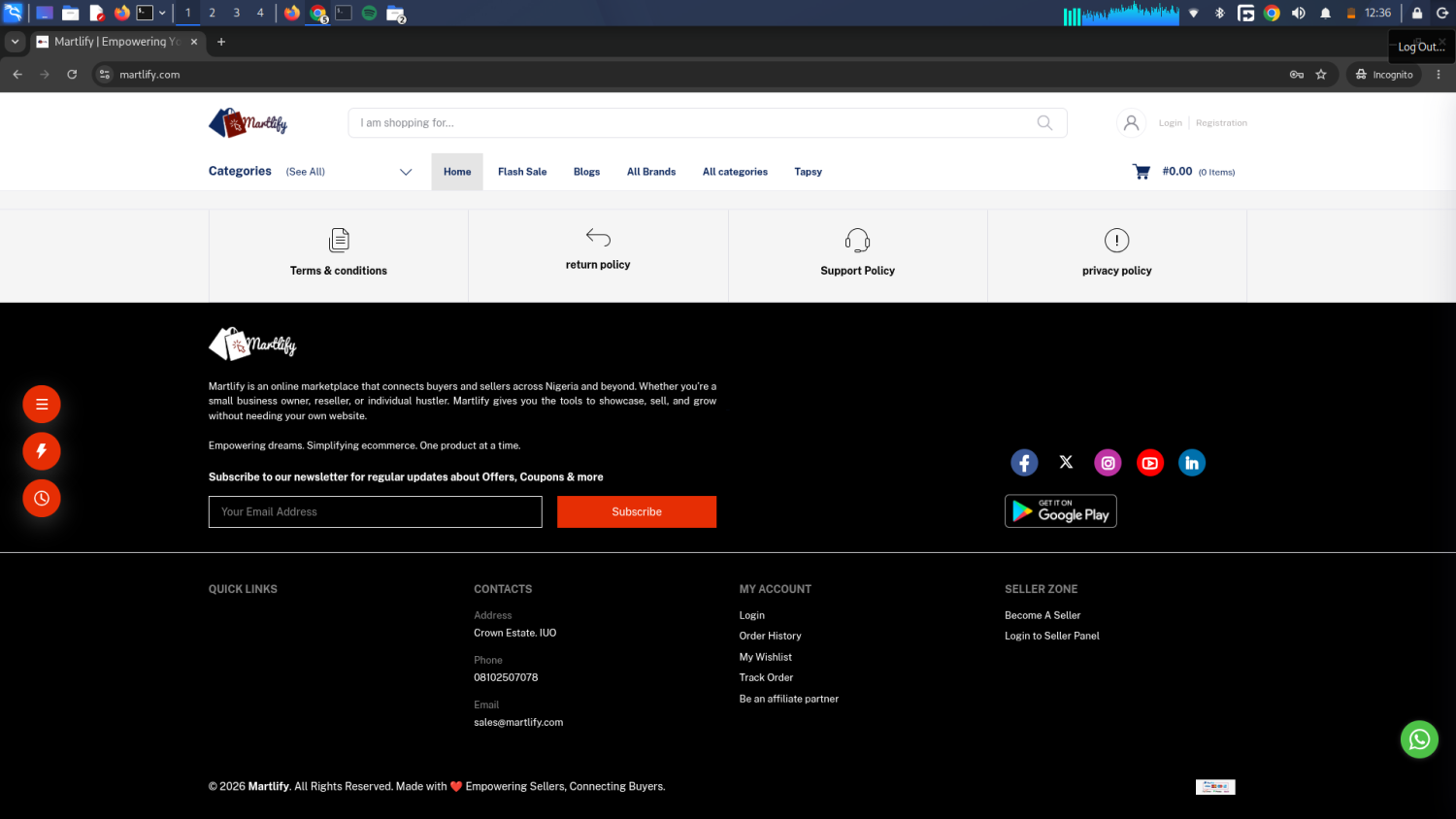
Visit the Martlify website and download the latest version of the Android App.
Always download from official Martlify sources.
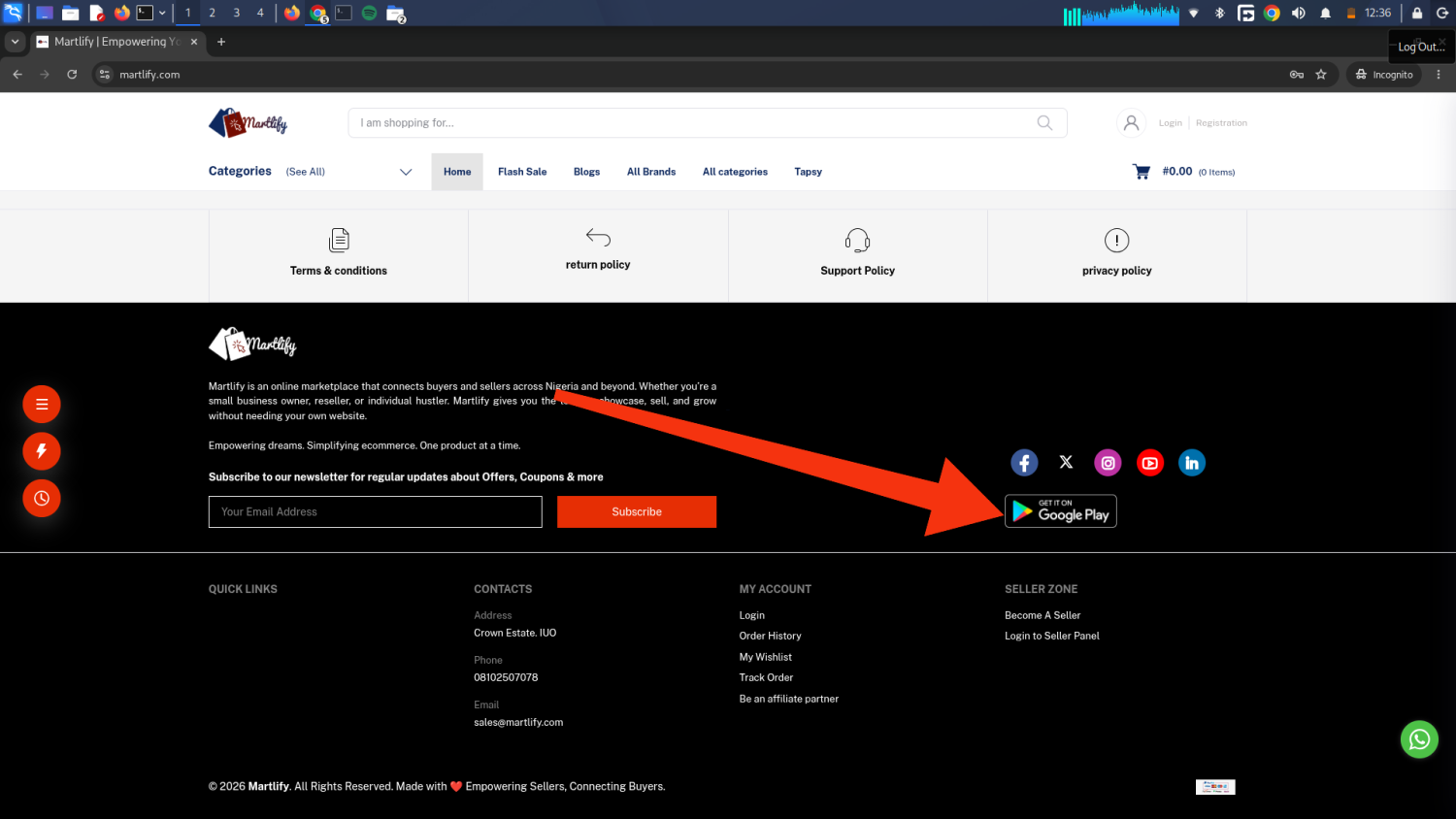
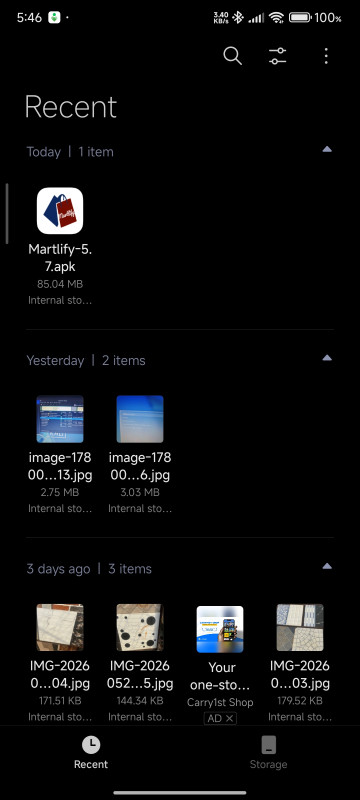
Step 2: Locate the Download
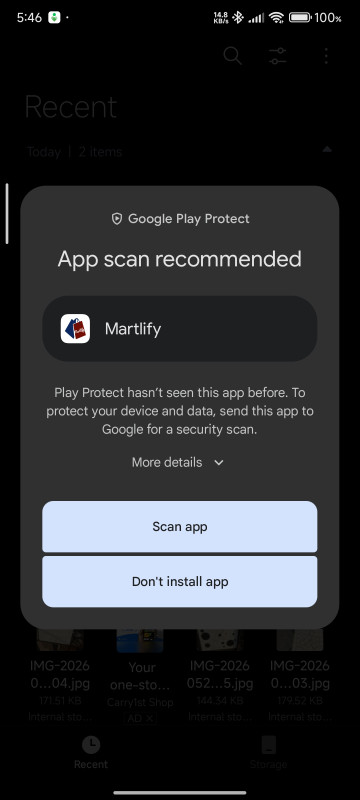
After downloading, open your phone's Downloads folder.
Look for the Martlify App file.
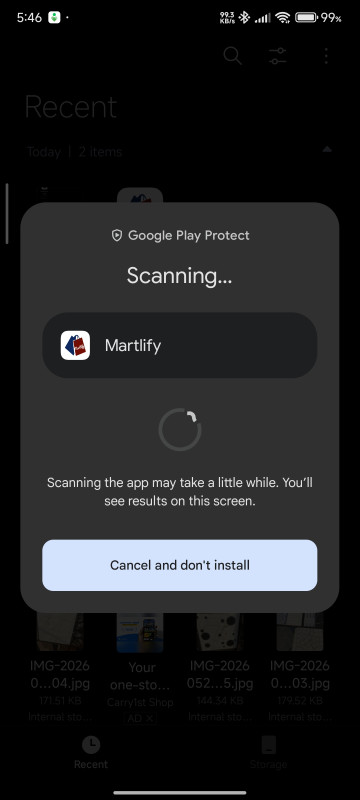
Tap it to begin installation.
Step 3: Allow Installation (If Needed)
Depending on your phone, Android may ask for permission to install apps downloaded from your browser.
Simply:
Tap Settings
Allow installation from your browser
Return to the installer
This only takes a few seconds.
Step 4: Install
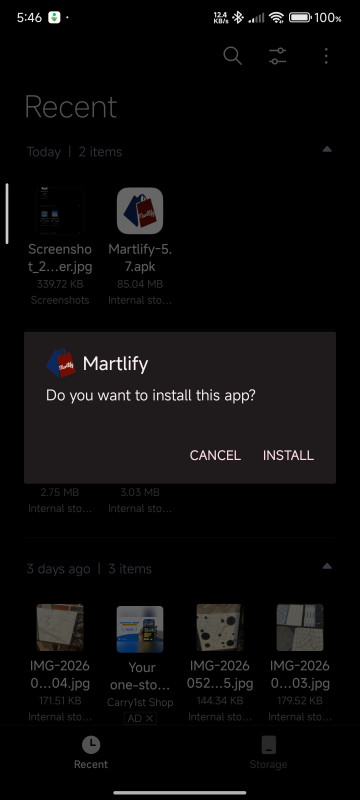
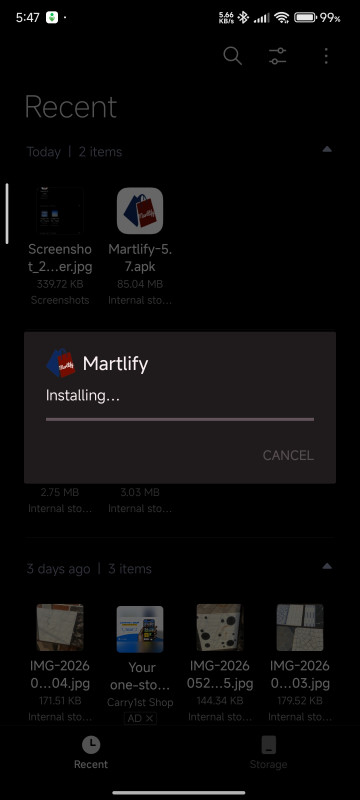
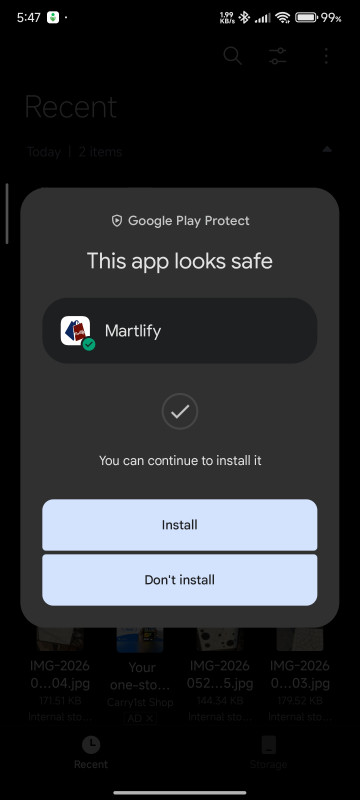
Tap Install and wait for the process to complete.
Once installation is finished, tap Open.
Step 5: Start Using Martlify
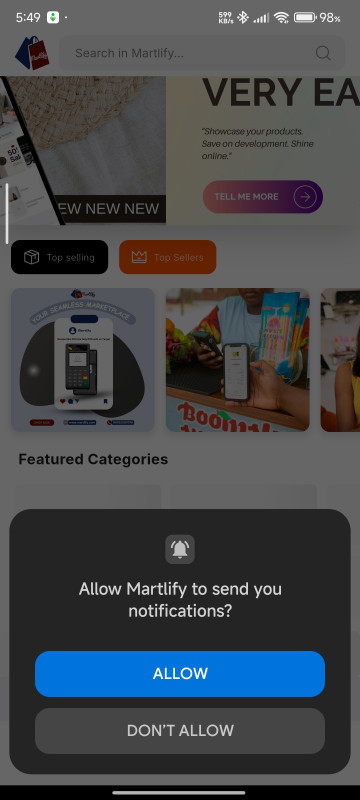
You can now:
Browse products
Place orders
Discover businesses
Earn by sharing products
Stay connected to new opportunities
Need Help?
If you have any questions or encounter any issues during installation, feel free to contact the Martlify team.
We're always happy to help.
Welcome to Martlify.
Recent Posts


Subscribe to our newsletter for regular updates about Offers, Coupons & more


